

If you’re a SOLIDWORKS user who spends too often finds yourself doing the same boring, repetitive tasks – flattening sheet metal parts one by one, renaming files, or converting entire projects for a customer – you’re not alone.
The good news? There’s a solution that over 3,500 companies worldwide already trust: myCADtools.
Developed by Visiativ, myCADtools is a powerful collection of more than 50 intelligent utilities that plug directly into SOLIDWORKS (and 3DEXPERIENCE SOLIDWORKS).
It turns hours of tedious work into a single click, letting you standardise your workflows, eliminate errors, and get back to actual design and innovation.
What makes myCADtools so special?
- Save time and gain reliability – Automate repetitive tasks and enforce your company standards.
- Boost productivity and innovation – Remove low-value work so your team can focus on creativity.
- Add real value to your business – Tools built from real-world feedback of thousands of engineering offices, perfectly adapted to your specific needs.
Three game-changing tools you’ll use every day
1. SheetMetalManufacturing – From 3D to cutting table in seconds
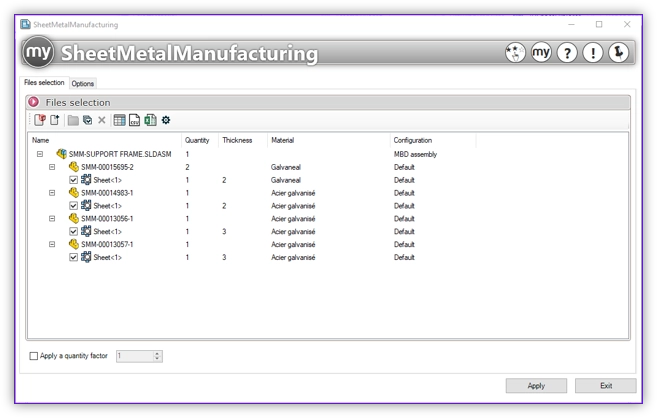
Tired of manually flattening every sheet metal part and exporting DXFs? With SheetMetalManufacturing, just select an assembly or folder and click once. It automatically:
- Unfolds every sheet metal body
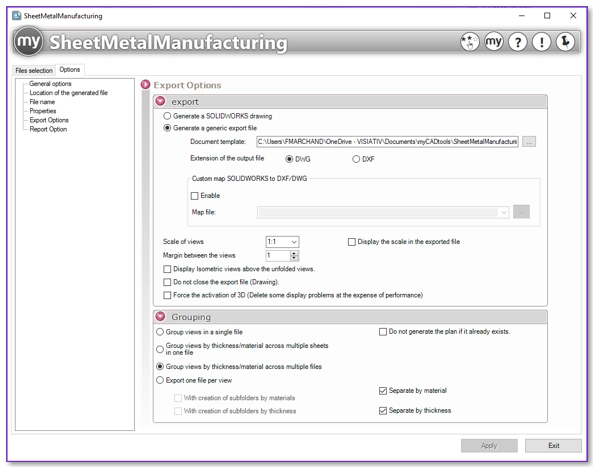
- Creates clean, sorted DXF/DWG flat patterns
- Groups parts by material and thickness
- Adds quantities
- Delivers ready-to-cut files for laser, plasma, or bending
Result? What used to take hours now takes seconds. Ask any sheet metal shop using SOLIDWORKS – this is the tool they rave about most.
2. CuttingOptimization – Stop throwing money in the scrap bin
Working with weldments and structural profiles? CuttingOptimization is pure gold.
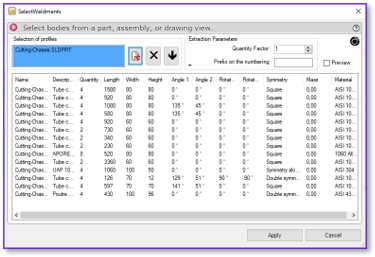
One click on your assembly or cut list and it:
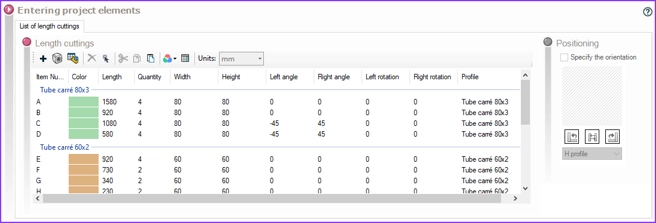
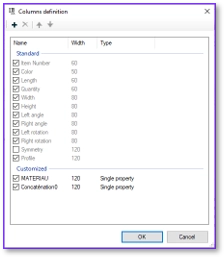
- Analyses all profile lengths and types
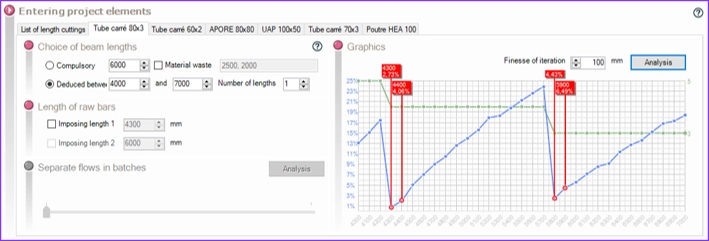
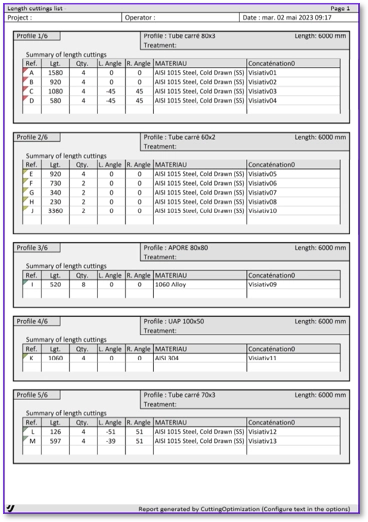
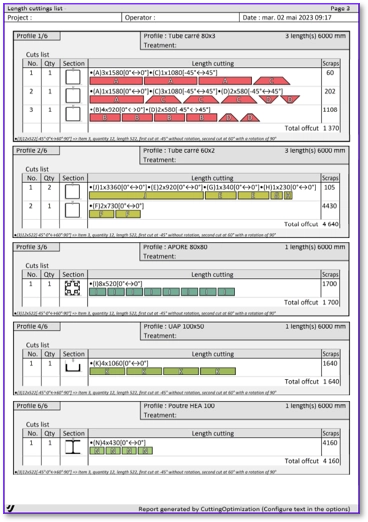
- Optimises cutting across standard bar stock (even reuses off-cuts on future jobs)
- Calculates kerf, ideal bar lengths, and production time
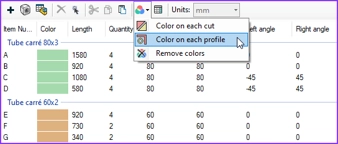
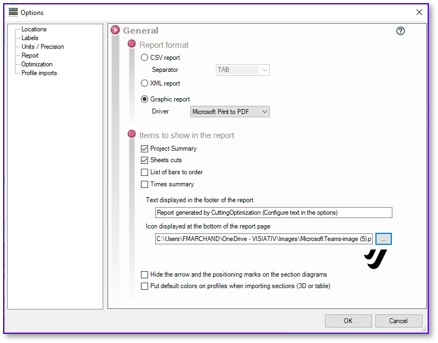
- Produces clear cutting plans and reports
Less waste = big savings on raw material. Essential for anyone building welded frames, machinery, or steel structures, or anything made from linear profiles.

3. BatchConverter – The ultimate time-saver for migrations and deliverables
Need to upgrade 2,000 files to the new SOLIDWORKS version? Send a STEP package to a supplier? Generate PDFs for the entire project?
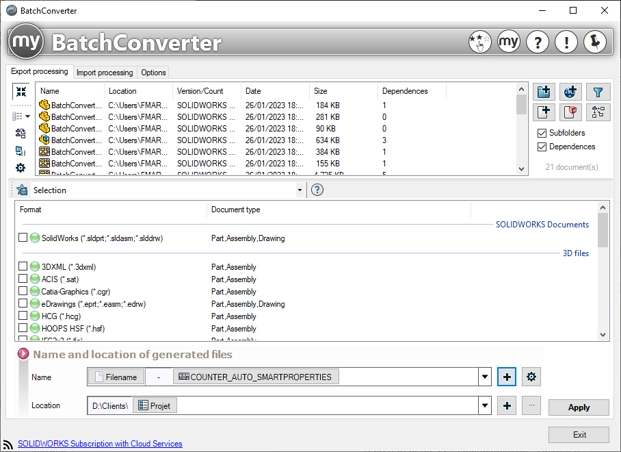
BatchConverter processes thousands of files in the background without opening a single one. It can:
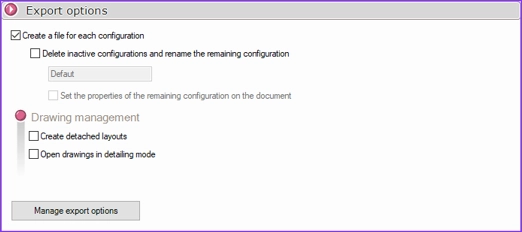
- Convert parts, assemblies, and drawings to any SOLIDWORKS version (newer or older)
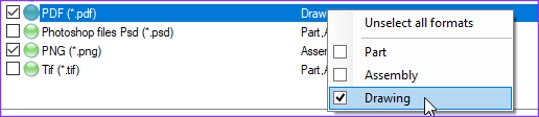
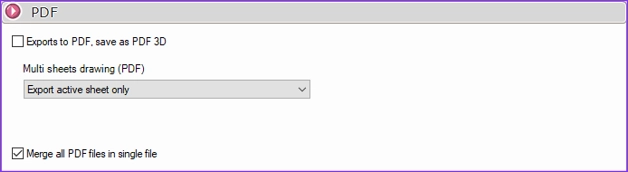
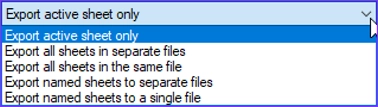
- Export to STEP, IGES, Parasolid, PDF, DXF, DWG, eDrawings, etc.
- Update properties, rebuild, or save – all in batch
Perfect for version migrations, customer deliverables, or cleaning up legacy data.

Ready to Work Smarter?
myCADtools isn’t just another add-in – it’s the toolbox that makes SOLIDWORKS feel like it was custom-built for your company.
Want to see it in action? Download a free trial or watch the demos at mycadtools.net.
Your future self (the one who finishes projects early and goes home on time) will thank you.